DMR · Radio ID · color code · talkgroup · hotspot/repeater
DMR without the codeplug fog
DMR on this site is primarily a linked-system and cross-mode capability, not a claim that the FT-5DR is a DMR radio. Identity, network, talkgroup and audio path must each be proved separately.
Talkgroups are routing, not sorcery, although a bad codeplug can make the distinction academic.
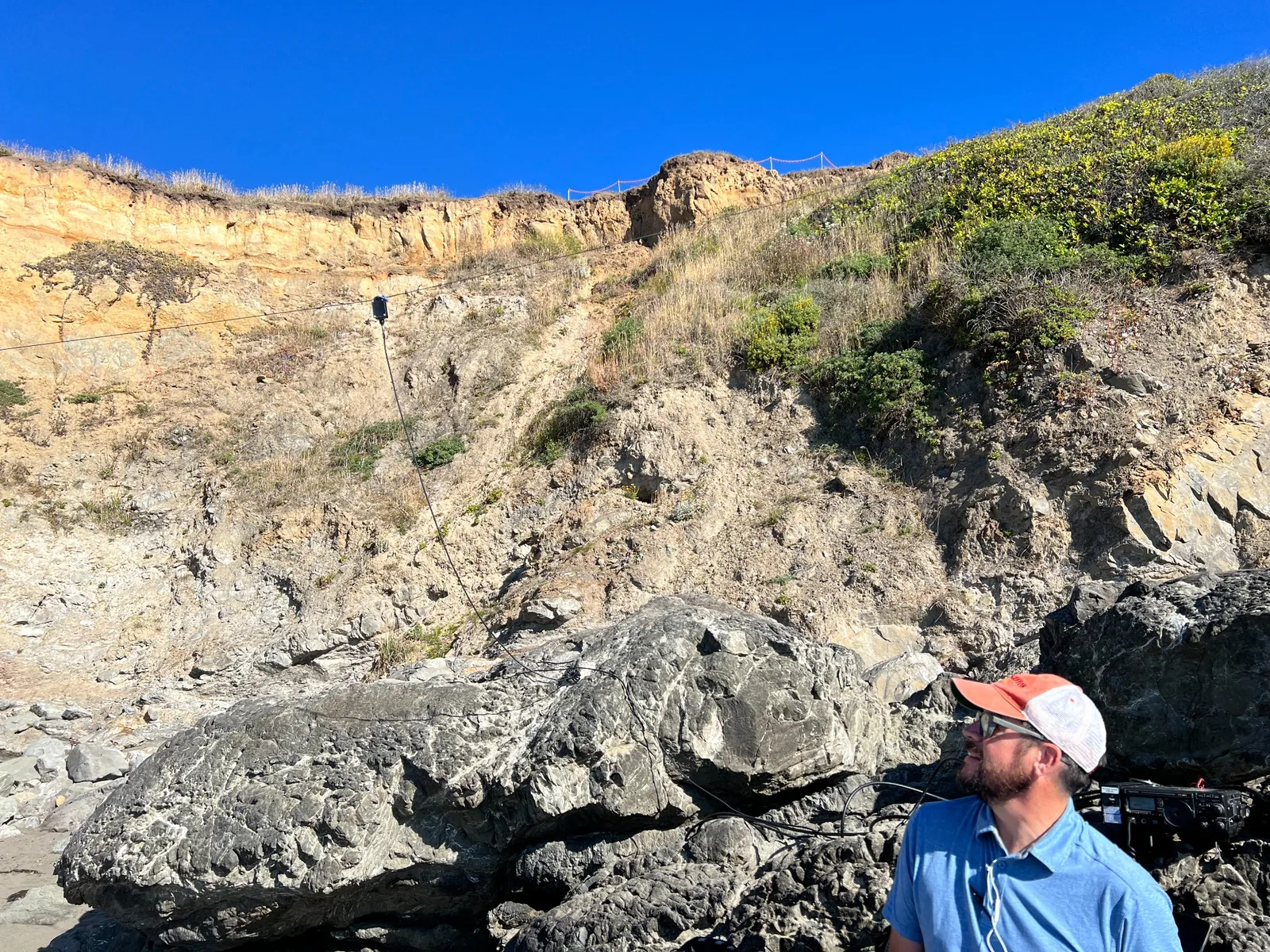
Field radio, network behind it
DMR is one route among several; the operating goal remains communication.
K6RCS network identity
DMR Radio ID 3173147
This identifies the operator across compatible systems. A talkgroup identifies the destination. Swapping those two numbers is an efficient way to have a very quiet afternoon.
What it is
Digital Mobile Radio is a TDMA-based digital voice/data air interface. In amateur use, the same DMR radio identity can appear on different network systems; BrandMeister is one network, not the definition of DMR itself.
Where it fits at K6RCS
K6RCS uses DMR primarily through cross-mode and software/network clients rather than maintaining a dedicated DMR handheld. That makes layer discipline especially important: the C4FM radio-side settings and the DMR network-side settings are different problems.
Identity and addressing
| Radio ID | A numeric amateur identity; verify the correct ID in RadioID. |
|---|---|
| Color code | RF-side access parameter, often compared loosely to a digital squelch/code. |
| Timeslot | TDMA slot used on repeaters; simplex hotspot behavior may differ. |
| Talkgroup | Network or system destination; not the same thing as the radio ID. |
Setup order
- Confirm your DMR Radio ID and callsign record.
- Define the RF path first: repeater or simplex hotspot, frequency, color code, and timeslot behavior.
- Choose the network/connector and the intended talkgroup.
- Build a minimal receive/transmit test before importing a giant codeplug.
- Verify audio and routing with a known echo/parrot or low-impact test path before joining a busy talkgroup.
Common failure modes
- Using a radio ID where a talkgroup belongs, or vice versa.
- Assuming hotspot simplex timeslot behavior is identical to a two-slot repeater.
- Leaving default or weak hotspot security credentials in place.
- Changing RF, network and contact settings simultaneously, then having no idea which layer broke.
BrandMeister HoseLine: hear the network before tying up a radio
BrandMeister HoseLine is the network's live, browser-based receive view of BrandMeister talkgroup traffic. It is unusually useful at K6RCS because it separates network activity from the RF and hotspot layers: from a desktop, iPhone or iPad browser, an operator can see which talkgroups are active and listen without dedicating the FT-5DR, CQutie/openSPOT4 Pro, or a repeater channel to monitoring.
In practice, HoseLine serves three jobs. First, it is an activity finder: a quiet radio does not necessarily mean a dead talkgroup, and HoseLine makes live BrandMeister traffic visible. Second, it is a net-monitoring tool when transmit access is unnecessary. Third, it is a diagnostic reference: if BrandMeister is receiving a transmission and HoseLine can hear it, the network-side audio path is alive even if a local receive path still needs work. That makes it a useful companion to the 9990 parrot and the BrandMeister dashboard rather than a replacement for either.
Security and privacy
Do not publish passwords, API keys, device UIDs, hotspot security values, local IP addresses, management URLs, or detailed behavioral schedules. Keep backups of known-good codeplugs/configurations, use unique credentials, and document firmware/software versions before changing them.
Primary sources and directories
A shared destination with separate identities
Public Team Stone contact: BrandMeister TG 3173147, Group Call. Monitoring is intermittent. Each operator keeps their own assigned source ID. A group destination that matches Randall’s ID does not authorize anyone else to transmit using his source identity.
Home, Travel and Tactical favorites serve different purposes. Keep regional RF-backed travel contacts in profile 5, team coordination in profile 7 and experiments in profile 8. TG 31772 remains a watch/test entry rather than a dependable path. Verify the network and operator access policy for W7TCT / TG 31771; do not assume all PNW systems are interchangeable.
KCARC lists KC7Z Gold Mountain West 442.650 MHz (+) and Cheryl Street 444.075 MHz (+) with DMR color code 1; verify the required time slot and talkgroup with the operator. Both also list analog access with 103.5 Hz. Source: KCARC.
Read what a public DMR contact reveals before assuming a talkgroup is private.
Confirmed Home QTH shortcuts
The saved Home QTH layout follows the supplied hotspot screenshot, left to right and top to bottom. Every entry is a Group Call.
| Column 1 | Column 2 | Column 3 | Column 4 |
|---|---|---|---|
| G/31068 | G/31075 | G/31064 Santa Clara County | G/31707 Sonoma County |
| G/31328 | G/31062 | G/31066 | G/31077 |
| G/31412 | G/31531 | G/31771 | G/3027 |
Auto group call 4000 before shortcut call is enabled. TG 31772 remains a watch/test candidate outside this Home grid. TG 31064 is Santa Clara County; TG 31707 is Sonoma County.
Regional DMR destinations and recurring skeds
| Destination | Talkgroup | Current use |
|---|---|---|
| NorCal | 31068 | Primary Northern California regional shortcut. |
| Bay-Net | 31075 | Bay Area; usually bridged to AllStar 55915. |
| SNARS | 31328 | Tuesday 8 PM PT digital net; also YSF 29961 / WIRES-X 84619. |
| PNW Regional | 31771 | PNWDigital Gathering Wednesday 7 PM PT; PNW Regional EmComm Sunday 7:30 PM PT. |
| Oregon | 3141 | PNWDigital Oregon Regional net Monday 7 PM PT. Native-DMR/statewide policy remains separate from FT-5DR cross-mode shortcuts. |
Talkgroup numbers are destinations, not proof of equivalent routing across BrandMeister, PNWDigital, SNARS or other networks. Confirm the network and transmit destination before keying up.